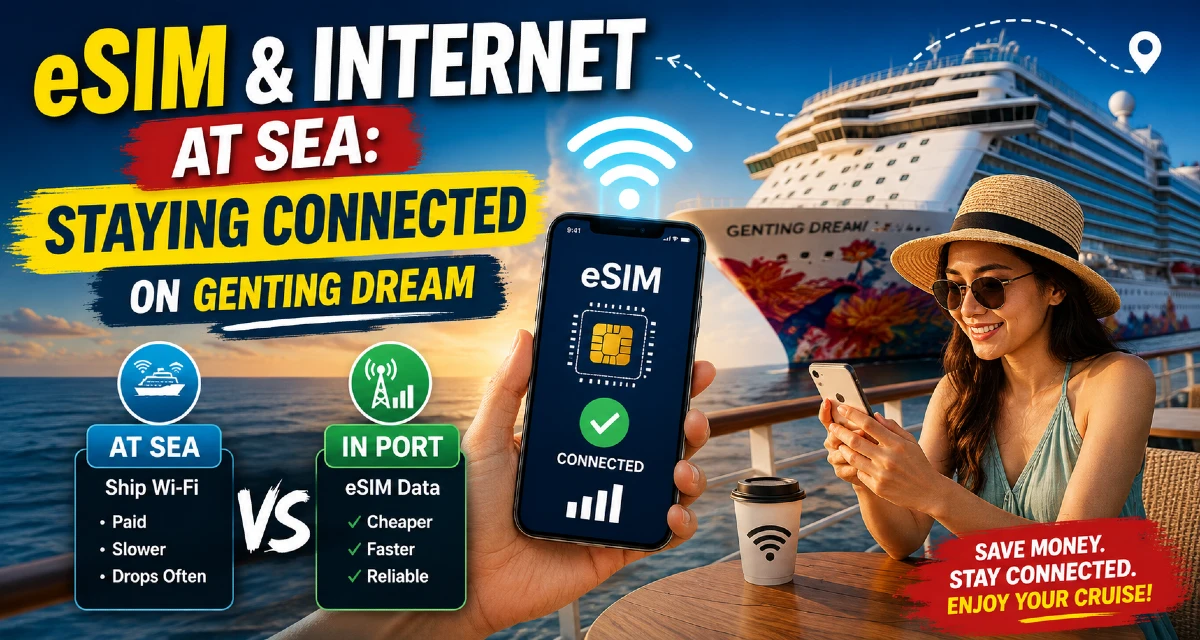
Here's the honest version nobody selling you a Wi-Fi package will say out loud: the internet on the Genting Dream is slow, drops often, and for most of your time at sea your phone has no signal at all. That's not a fault of the ship — it's just how satellite internet in the Malacca Strait works. The good news is there's a smart, cheaper way to stay connected, and once you see the real numbers it's obvious. Below are the official 2026 Wi-Fi prices straight from the Genting Dream cruise guide, a clear eSIM vs ship Wi-Fi cost comparison, and our honest take on what's actually worth buying.
If you haven't picked a sailing yet, our itinerary guide shows how many sea days versus port days each route has — and that ratio decides what you should buy. Pair this with our packing list before you board.
Two zones: this is the whole game
Two completely different things happen depending on where the ship is, and understanding this saves you the most money:
- At sea (sea days & overnight sailing): your phone has no mobile signal — you're beyond any cell tower. The only way online is the ship's paid satellite Wi-Fi.
- In port & near coast: your phone picks up local Malaysian, Thai or Indonesian networks. This is where a travel eSIM does the work — far cheaper and faster than ship Wi-Fi.
On the Singapore–Malaysia routes the signal is very intermittent along the Malacca Strait — it occasionally jumps onto an Indonesian network, then drops. Don't count on phone data the moment you leave Marina Bay; once you're properly at sea, it's gone until the next coastline.
The mental model: "land zone" (ports, coastline) = your eSIM. "sea zone" (open water, sea days) = ship Wi-Fi, only if you need it. Almost every cruise-internet mistake comes from not separating these two.
Official Genting Dream Wi-Fi prices (2026)
The ship sells satellite Wi-Fi as a full-cruise package, bought on board through the ship's login portal (connect to the network and a login page opens). There are two tiers — Standard (basic speeds) and Premium (prime speeds) — and the price scales by how many devices you connect. These are the current published prices from the official Genting Dream cruise guide:
Standard Wi-Fi — basic speeds (SGD, full cruise)
| Devices | 2 Nights | 3 Nights | 4 Nights | 5 Nights |
|---|---|---|---|---|
| 1 device | 24 | 36 | 48 | 60 |
| 2 devices | 42 | 63 | 84 | 105 |
| 3 devices | 64 | 96 | 128 | 160 |
| 4 devices | 82 | 123 | 164 | 205 |
Premium Wi-Fi — prime speeds (SGD, full cruise)
| Devices | 2 Nights | 3 Nights | 4 Nights | 5 Nights |
|---|---|---|---|---|
| 1 device | 36 | 54 | 72 | 90 |
| 2 devices | 66 | 99 | 132 | 165 |
| 3 devices | 100 | 150 | 200 | 250 |
| 4 devices | 126 | 189 | 252 | 315 |
Three things worth knowing that aren't obvious from the table:
- Palace suite guests get the Standard Wi-Fi package free for the whole cruise — if you're in the Palace, you don't need to buy Standard at all.
- Booking Wi-Fi early online (via the official StarDream Cruises site, before you sail) can be cheaper than buying on board — the cruise line runs pre-sailing discounts on Wi-Fi and excursions.
- A full-cruise package costs the same whenever you buy it, so if you're going to buy, do it on Day 1 and don't waste paid hours.
Free tip most people miss: you can connect to the ship's Wi-Fi network to use the StarDream Cruises / Dream Cruises Concierge app — daily programme, show times, dining, excursion booking — without buying an internet package. You only pay when you want real internet access to the outside world. So you can plan your whole day onboard for free.
The honest truth about the speed
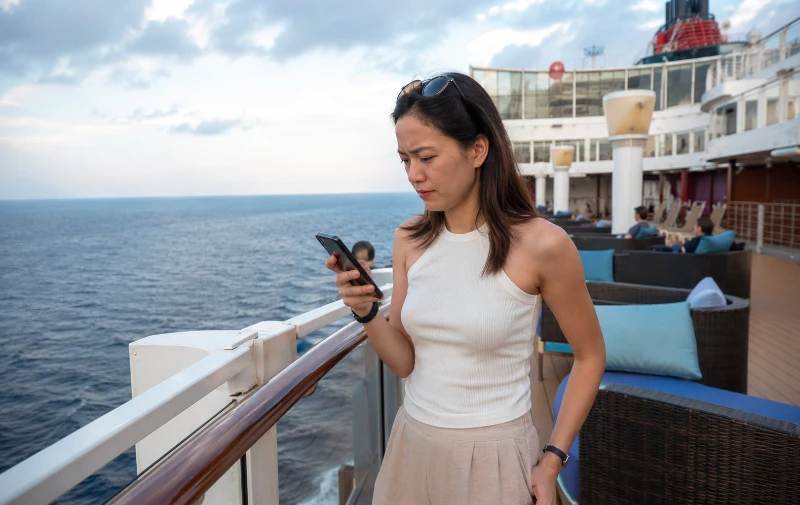
Prices are one thing; the experience is another. Be realistic: satellite Wi-Fi is slow, and guests regularly report it cutting off repeatedly and crawling during peak evening hours when the whole ship is online. Some have found it slow enough that they asked reception to cancel and refund the package — and the ship did. Standard is genuinely fine for WhatsApp and the odd email. It is not reliable for video calls, big photo uploads, or remote work. Speed depends on the ship's location, congestion and weather — all outside anyone's control.
The cheaper option in port: a travel eSIM
An eSIM is a digital SIM already built into most phones from 2020 onward (iPhone XS and later, Samsung Galaxy S20 and later, Google Pixel 3 and later). You buy a data plan online, it installs in about five minutes via a QR code, and your normal SIM stays in your phone for calls and texts — no swapping cards, no hunting for a phone shop in George Town.
When the ship docks in Penang, Phuket, Port Klang or Melaka, you'll want maps, ride-hailing, restaurant lookups and messaging — exactly when ship Wi-Fi is weakest and you're off the ship anyway. A local eSIM gives you fast, normal 4G/5G for a fraction of the cost. Phuket, Ko Samui and Penang all have strong coverage, so port days feel just like home.
Because the Genting Dream visits several countries, a regional Asia eSIM — one plan covering Singapore, Malaysia, Thailand and often Indonesia — is simpler and cheaper than a plan per country. Providers like Airalo, Saily and GigSky all offer Southeast Asia regional plans (GigSky notably also works on some ships at sea). A regional plan typically costs around SGD 10–25 depending on how much data you need — and one plan can be shared to your partner's phone via hotspot on port days.
eSIM vs ship Wi-Fi: the real cost comparison
Here's the comparison that actually matters — for a couple (2 devices), using Standard ship Wi-Fi (the realistic tier) against a shared regional eSIM used on port days. Ship Wi-Fi prices are the official full-cruise rates above; eSIM figures are typical market prices and will vary by provider and data size.
| Sailing | Port days | Ship Wi-Fi (Standard, 2 devices) | Regional eSIM (shared) | Better for most |
|---|---|---|---|---|
| 2N Cruise to Nowhere | None (all sea) | SGD 42 | Not usable (no port) | Ship Wi-Fi — or go offline |
| 2N Melaka / Port Klang | 1 | SGD 42 | ~SGD 10–15 | eSIM |
| 3N Penang & Port Klang | 2 | SGD 63 | ~SGD 15–20 | eSIM |
| 3N Phuket | Overnight | SGD 63 | ~SGD 15 | eSIM |
| 5N Bali & Lombok | 2 | SGD 105 | ~SGD 20–25 | eSIM + 1 sea-day plan |
Our honest verdict
After sailing this ship many times, here's the straight advice:
- If you mainly want data in port (maps, messaging, photos, ride-hailing) — use a regional eSIM and skip ship Wi-Fi entirely. On a 3-night Phuket sailing that's roughly SGD 15 versus SGD 63+, and the eSIM is faster because it's real 4G, not satellite.
- If you genuinely need to be online at sea — a Cruise to Nowhere, or you must stay reachable overnight — buy Standard, on Day 1, sharing a multi-device plan. Skip Premium unless you have a specific reason; the real-world speed difference rarely justifies the jump.
- Best value for most cruisers is the combo: eSIM in port + ship Wi-Fi only for the one sea day you actually need it. You stay connected where it matters and never pay for a whole-cruise package you barely touch.
- Palace guests: your Standard Wi-Fi is already free — just add a small eSIM for fast port-day data and you're perfectly covered.
Working remotely? Don't rely on the Genting Dream to hold a video call at sea — it won't, reliably. Schedule anything unmissable for a port day on your eSIM, near the terminal, with a backup. Treat at-sea Wi-Fi as messaging-only.
Avoid this: automatic roaming
Letting your normal SIM roam automatically is the most expensive way to connect and the easiest way to get a shock bill — at sea your phone can latch onto a maritime satellite network charging eye-watering per-megabyte rates. The safe habit: turn off data roaming before you board, use your eSIM in port, and the ship's Wi-Fi at sea only if needed. If your home telco has a cheap daily roaming pass for Malaysia and Thailand you'd rather use, confirm the price and that it excludes "at sea / maritime" usage.
Before you lose signal: download everything
The best free thing you can do is prepare for the offline stretches. Before you sail, on home Wi-Fi:
- Download offline maps of your port cities (Google Maps saves areas offline)
- Save Netflix / Disney+ / Spotify for sea days and evenings
- Download e-books and podcasts
- Screenshot your boarding pass, booking confirmation and tour vouchers
- Turn off auto-sync and background app refresh (Google Photos, iCloud, Dropbox) so nothing quietly burns data
Do this and the offline time stops being a problem — the kids have their shows, you have your maps, and you go online only when you choose to.
Set up your eSIM in 5 minutes
- Check your phone supports eSIM (search your model + "eSIM support" if unsure).
- Buy a regional Asia plan in the provider's app before you leave home, on reliable Wi-Fi.
- Install the profile but leave it switched off until you need it.
- In port: turn the eSIM data ON. On sea days: turn it OFF and use ship Wi-Fi only if needed.
- Keep your main SIM for calls/SMS with roaming off, so no surprise bill.
The bottom line
Split your trip into land and sea and it's simple. Use a regional Asia eSIM for the fast, cheap data you'll want in Penang, Phuket, Port Klang and beyond. Buy the ship's Standard Wi-Fi only for the sea days you truly need it, buy it on Day 1, and share it across devices. Turn roaming off, download your maps and shows before you sail, and remember the Concierge app is free on the ship's network. Do that and you'll stay connected exactly where it matters — without the slow-Wi-Fi frustration or the surprise bill.
Planning your sailing and want help matching the right cabin and route to your group? Tell us your dates — we'll send a live quote and honest advice, usually within the hour. And for everything else before you board, our before-you-sail guide and dress-code guide have you covered.
More from the blog
View all → Cruise Tips
Genting Dream with Kids: The Honest Family Cruise Guide
23 Sep 2026 · 12 min read
Cruise Tips
Genting Dream with Kids: The Honest Family Cruise Guide
23 Sep 2026 · 12 min read
 Cruise Tips
Shore Excursions Guide: Penang, Phuket & Melaka
12 Sep 2026 · 11 min read
Cruise Tips
Shore Excursions Guide: Penang, Phuket & Melaka
12 Sep 2026 · 11 min read
 Cruise Tips
Multi-Currency & Forex for a Cruise: Cards, Cash & Fees
10 Sep 2026 · 10 min read
Cruise Tips
Multi-Currency & Forex for a Cruise: Cards, Cash & Fees
10 Sep 2026 · 10 min read
 Cruise Tips
Best Travel Credit Card for a Cruise (Miles, Cashback & FX Fees)
7 Sep 2026 · 10 min read
Cruise Tips
Best Travel Credit Card for a Cruise (Miles, Cashback & FX Fees)
7 Sep 2026 · 10 min read
 Cruise Tips
Cheapest Way to Book Genting Dream (Klook vs Direct vs Agent)
31 Aug 2026 · 11 min read
Cruise Tips
Cheapest Way to Book Genting Dream (Klook vs Direct vs Agent)
31 Aug 2026 · 11 min read
 Cruise Tips
Do You Need Travel Insurance for a Cruise from Singapore?
28 Aug 2026 · 11 min read
Cruise Tips
Do You Need Travel Insurance for a Cruise from Singapore?
28 Aug 2026 · 11 min read
Ready to book your Genting Dream cruise?
Tell us your dates and cabin preference — we'll send a live quote, usually within the hour.
← Back to all guides